Chrome's Latest V8 Zero-Day Is a Patch Priority, Even If the Exploit Details Are Quiet

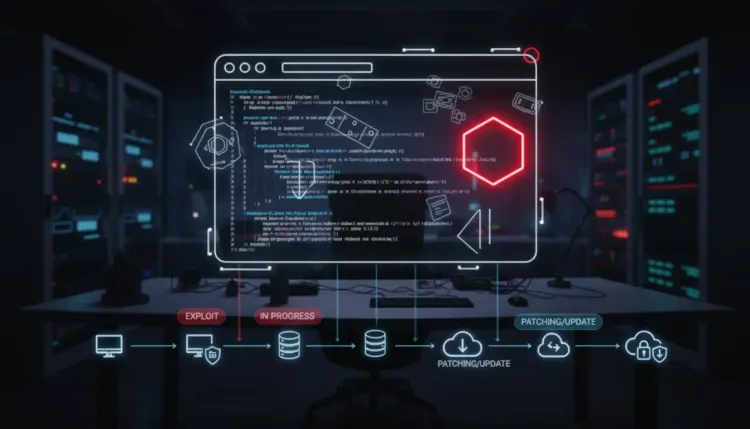
Chrome's Latest V8 Zero-Day Is a Patch Priority, Even If the Exploit Details Are Quiet
Google has shipped a Chrome Stable Channel update that fixes CVE-2026-87491, an out-of-bounds write vulnerability in V8 that the company says already has an exploit in the wild. For security teams, that is enough signal to move this out of the routine browser-update queue and into urgent endpoint hygiene.
The issue matters because V8 is the JavaScript and WebAssembly engine inside Chrome. A malicious page is the only interaction many browser exploit chains need to begin. NVD describes the flaw as affecting Google Chrome before 153.0.8010.36 and allowing a remote attacker to execute arbitrary code inside the sandbox through a crafted HTML page. Google has not published exploit mechanics, which is normal while users are still patching, but the public confirmation of exploitation changes the response threshold.
This is a classic zero-day attack scenario: defenders do not need a fully public proof-of-concept to treat the flaw as active risk. The useful question is not whether every organization can reproduce the exploit. It is whether unmanaged browsers, delayed restarts, VDI images, kiosks, and Chromium-based alternatives are still carrying the vulnerable engine.
What Google Fixed
Google's Stable Channel update for desktop moved Chrome to the patched 153.0.8010.36 branch for Linux and 153.0.8010.36/.37 for Windows and macOS. The release includes a large security batch, but CVE-2026-87491 stands out because Google acknowledged that exploitation exists in the wild.
The bug is listed as an out-of-bounds write in V8. In browser security terms, memory-corruption issues in the JavaScript engine deserve close attention because attackers can reach that code through ordinary web content. Chrome's sandbox can limit what a renderer compromise can do by itself, but organizations should avoid treating "inside the sandbox" as low consequence. Modern intrusion chains often pair renderer bugs with sandbox escapes, credential theft, malicious extensions, or social engineering that turns an initial browser foothold into account access.
Why This Should Not Wait For Patch Tuesday
Browsers are exposed to untrusted content all day. Users open links from email, messaging apps, search results, SaaS tools, customer portals, shared documents, and ad-supported websites. That makes a Chrome zero-day different from a vulnerability that requires access to a niche internal system.
The risk is also operationally awkward. Chrome may download updates automatically, but many environments still depend on users or device management policies to restart the browser. A patch that has been staged but not relaunched is not the same as a patched browser. Security teams should verify running versions, not only package availability.
There is also a wider Chromium question. Edge, Brave, Vivaldi, Opera, Electron applications, embedded browsers, and managed browser runtimes may need separate validation depending on how the organization standardizes software. Google Chrome's release is the starting signal, not the whole inventory.
Immediate Actions For Security Teams
Start with endpoint visibility. Confirm that Windows and macOS fleets are running Chrome 153.0.8010.36/.37 or later, and that Linux fleets are running 153.0.8010.36 or later. Where browsers are open for long periods, force or prompt a relaunch after the update lands.
Next, check managed browser policies. Enterprise teams should confirm update channels, restart notification settings, extension controls, and whether any business unit is pinned to older builds for compatibility reasons. Pinned browsers are where "automatic update" assumptions quietly fail.
Then widen the search to Chromium-based software. Inventory alternative browsers and high-value Electron apps used by privileged users, developers, finance teams, executives, and administrators. The most important question is whether those runtimes have shipped an updated Chromium base and whether your fleet has actually received it.
Finally, look for suspicious browser-led activity from the past few days. Because Google has not released exploit details, hunting should focus on behaviors rather than a narrow indicator list: unexpected renderer crashes, browser child processes spawning unusual commands, new unauthorized extensions, suspicious OAuth sessions, credential-access alerts, and endpoint detections that began with web browsing.
What To Tell Leadership
This is not a panic event, but it is a high-priority hygiene event. A widely deployed browser has an actively exploited memory-corruption flaw, the vendor patch is available, and the practical control is straightforward: update, relaunch, and verify. The organizations most exposed are those with unmanaged endpoints, slow reboot culture, browser version drift, or limited visibility into non-Chrome Chromium runtimes.
For teams that lack clear software inventory or browser-version reporting, this is also a useful reminder to tighten web application vulnerability assessment and endpoint exposure workflows. The fastest responders are not the teams with the longest advisory emails. They are the teams that can answer one question quickly: "Where are we still exposed?"
Bottom Line
CVE-2026-87491 should be handled as an urgent browser patch, not a routine advisory. Update Chrome to the fixed Stable Channel release, force relaunches where needed, validate Chromium-based alternatives, and watch for browser-originated compromise signals. Active exploitation plus ubiquitous software is enough to justify speed.